Works with the gear you already own
Waslni POS runs on an ordinary Windows PC and talks to the cheap, everywhere-available receipt printers, scanners and cash drawers. Here is the tested list — no driver hunting required.
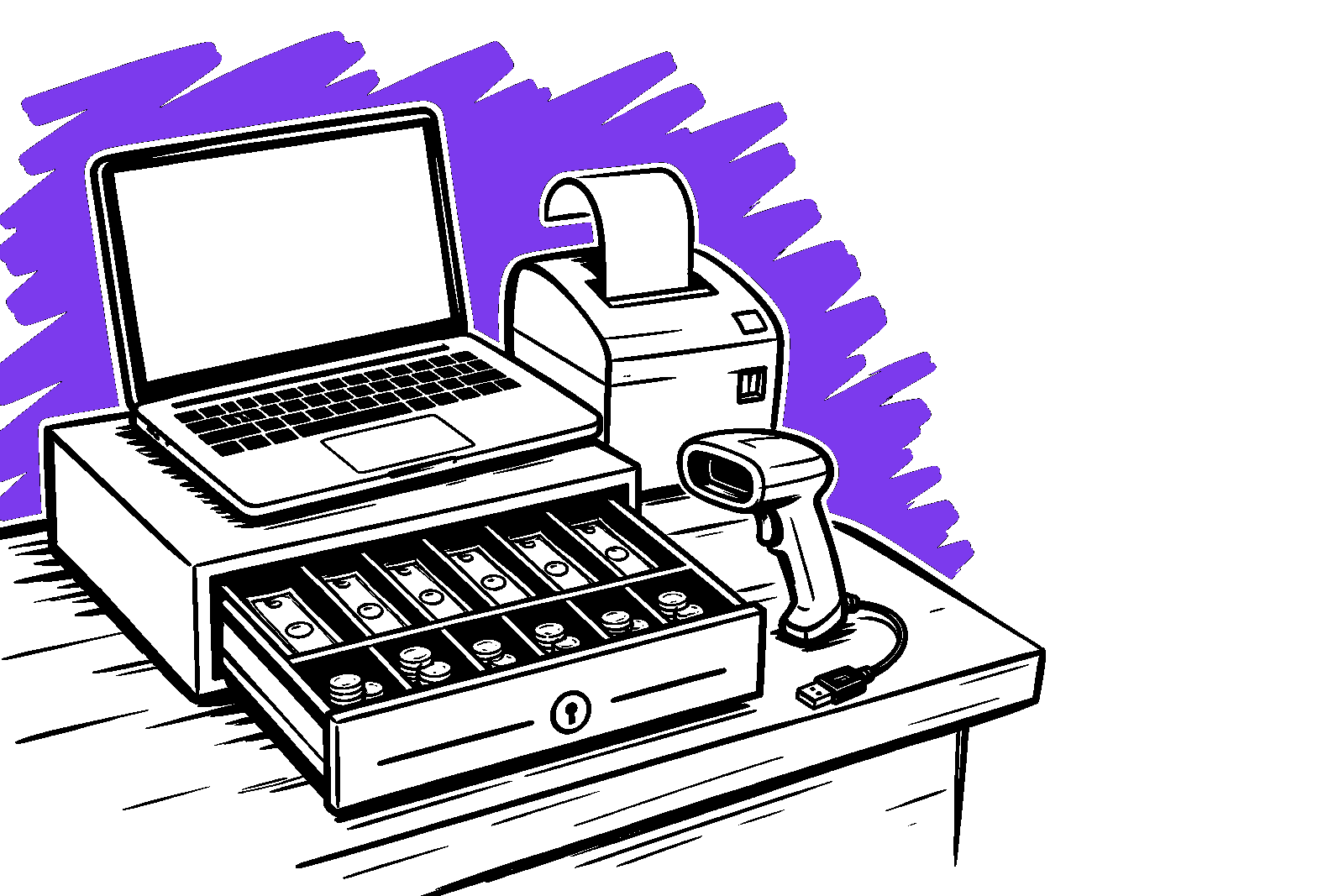
No driver hunting
Thermal printers speak ESC/POS and scanners act as a keyboard. Plug in, and the POS finds them.
Cheap and everywhere
The certified kit is the inexpensive gear already sold in every electronics market — nothing exotic.
Runs on the PC you have
Any Windows 10 or 11 machine on the counter is enough. No dedicated POS terminal required.
Tested, supported, ready to plug in
These are the exact models we test against. Anything compatible usually works too — these just carry the support guarantee.
Receipt printers
Thermal ESC/POS printers over USB. The cheap, everywhere-available models are the ones we certify — no driver hunting.
- Xprinter XP-5858 mm thermal · USB
- Rongta RP5858 mm thermal · USB
- Generic POS-5858 mm thermal · USB
- Epson TM-T20III80 mm thermal · USB
- Xprinter XP-Q20080 mm thermal · USB
Other ESC/POS printers usually work — these five are the tested set.
Barcode scanners
Any USB keyboard-wedge scanner. It simply types the barcode into the search box — there is nothing to install and nothing to configure.
- Honeywell Voyager 1200gUSB keyboard-wedge
- Symcode USB scannerUSB keyboard-wedge
- Generic 1D/2D USB scannerUSB keyboard-wedge
If it acts like a keyboard, Waslni POS already supports it.
Cash drawers
A standard RJ11/RJ12 cash drawer wired behind the receipt printer. The printer kicks the drawer open at the end of a sale.
- Any RJ11 / RJ12 drawerKicked by the receipt printer
No separate driver — the drawer rides on the printer connection.
Coming to a later release
- Customer-facing displayVFD / second screenPlanned
- Weighing scalesSerial-protocol integrationPlanned
Already have a printer? You’re set.
Create your account, plug in the till hardware you own, and start selling. No purchase, no waiting on a courier.